
Communications Resources
Download Electionware® communications assets.
Clear communication builds trust. These assets give election officials ready‑to‑use materials to help voters, decision makers, and community stakeholders better understand how election technology works—and the safeguards in place to protect every vote. Whether you’re answering voter questions, preparing for media inquiries, or educating local leaders, these resources are designed to make complex topics easier to explain and easier to trust.
Where to use it:
• Your website
• Press releases
• Social media
• Presentations and public meetings
• Other voter education communications
Please contact our communications team directly if you need any additional information or assistance at (402) 938-1300 or media@essvote.com.
Members of the media should receive written consent from ES&S to reprint or broadcast these copyrighted materials. All written, photography and video content Copyright © 2026 Election Systems & Software, LLC. All rights reserved. Contact media@essvote.com in order to obtain necessary permissions.
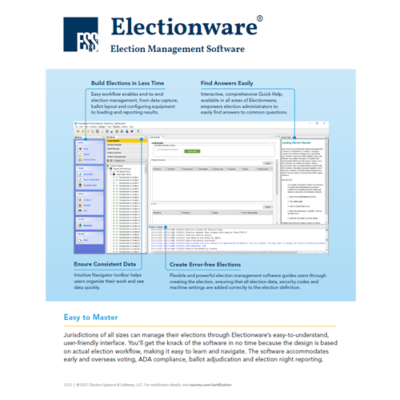

View Electionware Reporting Video
Download Instructions:
Images:
- Right-click on the image you want to download and select Open link in new tab.
- In the new tab, right-click on the image and select Save image as…
- Select where you want to save the image on your computer and click Save.
Documents (Word, PDF):
- Right-click on the document you want to download and select Open link in new tab.
- In the new tab, select the downward facing arrow icon in the upper right corner of the window.
- Select where you want to save the document on your computer and click Save.
Video:
- Click the play button in the video thumbnail. You will be prompted to enter a password.
- Password = election (all lowercase).
- While the video is playing, hover over the lower right-hand bar and select the share icon (box with right facing curved arrow).
- Select Download.
- The video file (mp4) will be saved in your Downloads folder on your computer.